moteus-n1 beta release

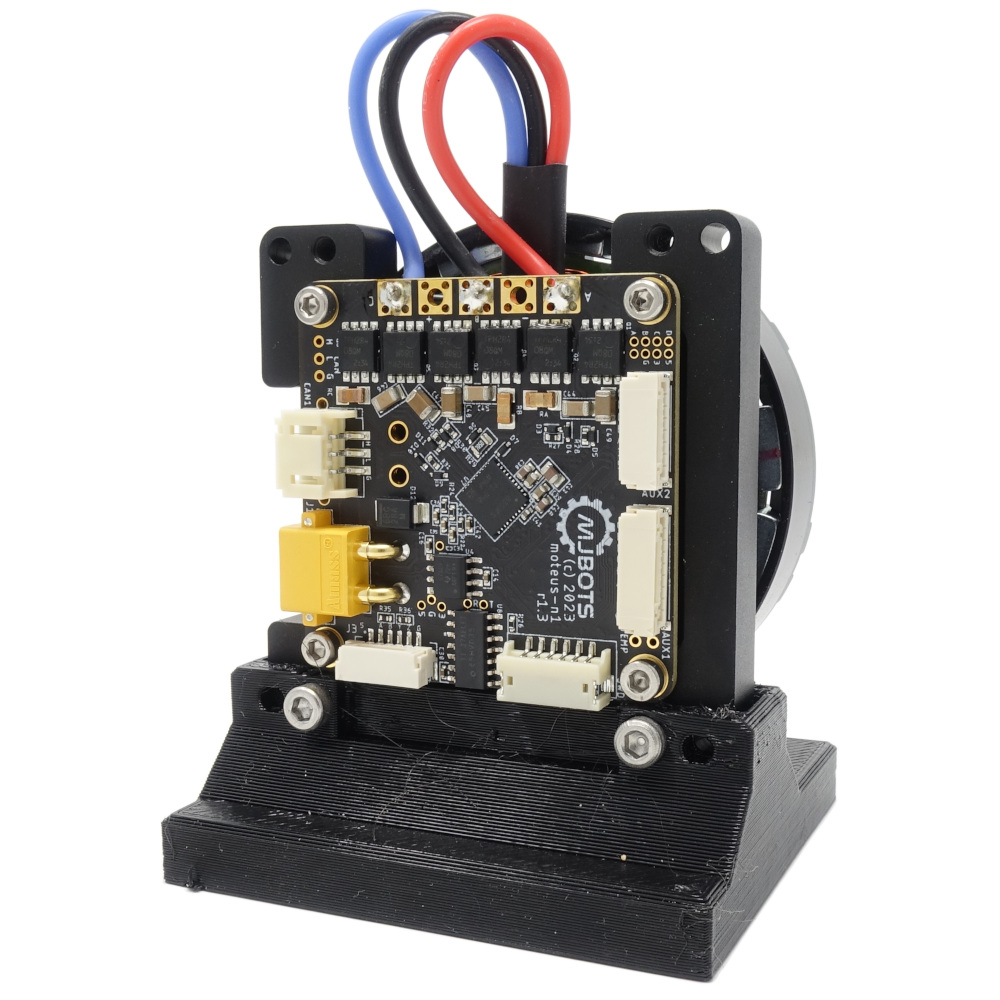
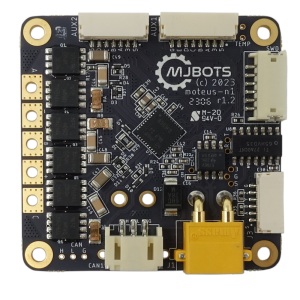
Implied by my previous writeup on pin selection for external connectors, we’ve got a new variant of the moteus controller to announce today in beta form, the moteus-n1!

This variant is intended to be more feature-full, higher performance (and higher cost). Here are some bullet points of the biggest differentiators with r4.11:

moteus n1 moteus r4.11
Price $159 USD @ qty 1 $104 USD @ qty 1
Size As small as 46mmx46mmx8mm with optional back connectors omitted. 58% of the volume, 87% of the top down footprint size of r4.11 53x46x12mm
External Peripherals Each of the auxiliary connectors supports SPI, UART, ADC, SW & HW Quadrature, Hall sensors, and I2C. 5V and 3.3V is provided on each connector to power peripherals (100mA for each voltage available combined between both connectors). I2C pullups are configurable on each connector. All 4 pins on AUX2 are 5VT, the two non-SPI pins on AUX1 are 5VT. ENC (AUX1) supports SPI, Hall and ADC. ABS (AUX2) supports UART and I2C and are both 5VT.
RS422 Built in RS422 transceiver for communicating with RS422 / BiSS-C encoders (BiSS-C / SSI not yet supported in software). None
Voltage 8-54V, 48V nominal 8-44V
Peak Output 100A output phase current, 1200W 100A output phase current, 500W
Continuous Output 9A output phase current ambient, 18A w/ thermal management 11A output phase current ambient, 22A w/ thermal management
CAN fault tolerance 58V bus fault tolerance 12V bus fault tolerance
Power Connectors Solder pads for DC bus input, one always present XT30, one optional XT30 2x XT30

The short form is that the n1 does not really expand the set of motors that can be usefully driven, but does enable operation in 48V systems, is more compact and electrically robust and provides significantly improved external peripheral support.

moteus external connector pin selection

moteus r4.11 has two external connectors, the ABS connector (AUX2) and the ENC/AUX1 connector. The ABS connector was designed initially just to have 2 I2C pins. The ENC connector just has the random pins that were used for the onboard encoder SPI plus one more. Thus the range of external accessories that can be connected is somewhat haphazard and not necessarily all that useful.

When working on a more ground up revision of the controller, I wanted to improve that situation to expose more connectivity options on still a relatively limited connector set. The idea was to use 2 connectors, one which has 5 I/O pins and the other with 4 I/O pins. The onboard encoder SPI would still be accessible on the larger connector to use for at least one external SPI encoder, but how much other functionality could be crammed into the remaining pins? To start, lets see what possible options there are in the current firmware and supported by the STM32G4 microcontroller that moteus uses:

pi3hat r4.5

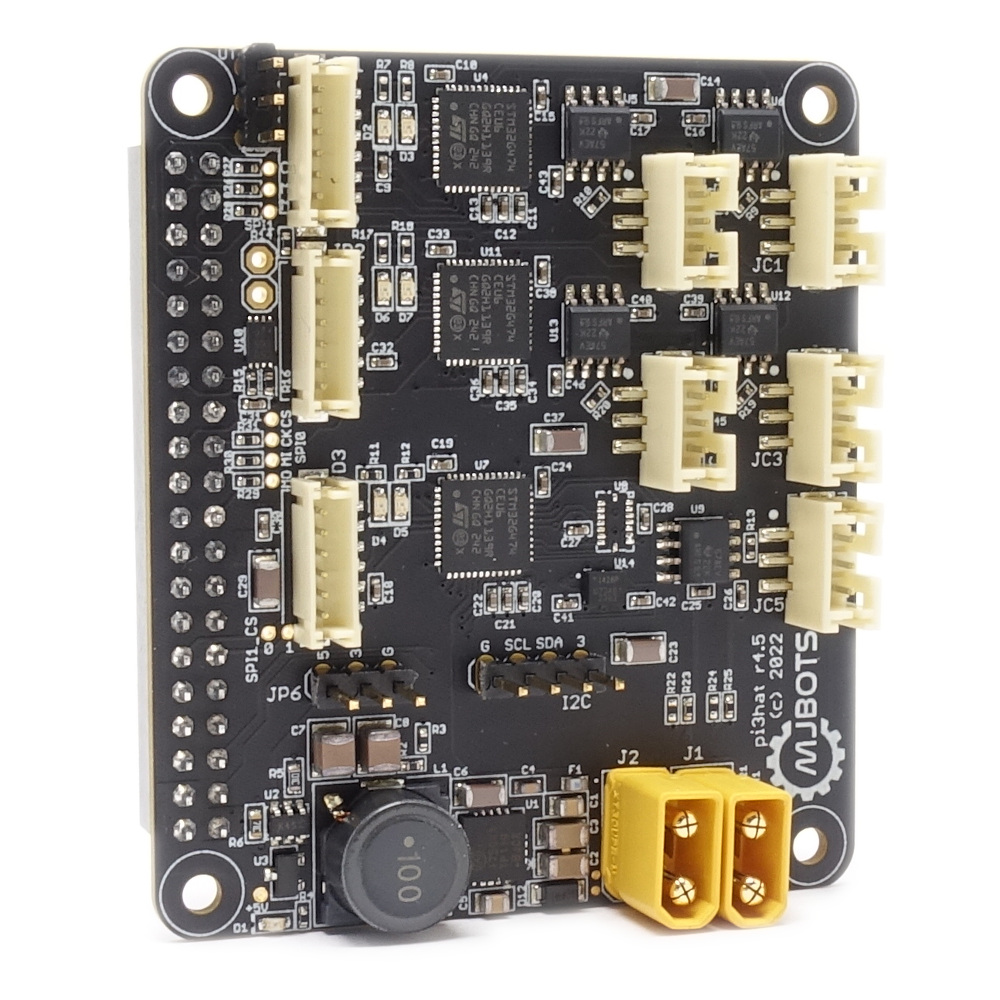
I’m excited to announce a minor upgrade to the mjbots pi3hat product line, the pi3hat r4.5!

This has a few upgrades over the old r4.4b:

  • The input voltage range is expanded from 8-44V to 8-54V.

  • All CAN-FD ports have +-58V bus fault protection, up from +-12V.

  • 0.1" pin headers are present for the Raspberry Pi I2C, UART, and for 3.3V and 5V outputs

Check it out at mjbots.com today!

UART tunneling with moteus

With the release of more flexible I/O support, the moteus controller auxiliary port can be used to monitor encoders using an onboard UART. Now, with firmware release 2023-02-01, those UART pins can be used as an arbitrary logic level serial port controlled by the application! Let’s see how to use it below.

First, you will need to look at the pin configuration table to find pins that support UART functionality, and configure them as UART in the “aux?.pins” configuration tree. Next, “aux?.uart.mode” should be set to “kTunnel”, along with the desired baud rate. That’s it on the configuration front.

moteus clock synchronization

The moteus controller, when it implements its control algorithms, uses the internal RC oscillator of the onboard STM32G4 microcontroller to calculate things like velocity and to advance position over time. Typically, this is accurate to within 0.5% which is more than sufficient for most applications. However, there are cases where it does matter.

One common case is when multiple moteus controllers are operated together, and either the relative velocities of the controllers must match closely, or the time required to complete long trajectories must match closely. For example, if a trajectory would take 100s to complete, then a 0.5% difference in clock rate between two controllers would result in one completing 0.5s before the other.

moteus firmware 2023-02-01

Partly to celebrate moteus controllers being back in stock and partly because a lot of important work has backed up, we’ve just released a new firmware version for moteus (2023-02-01) that has a little bit of something for everyone. Future posts will examine some of these features in more detail, but for now you just get the bullet list:

  • Support sending and receiving arbitrary data from a UART configured on either of the auxiliary ports

Resistive heater dummy load

While testing moteus controllers, it is often necessary to experiment with high power conditions. For short durations, any decent sized brushless motor can work, as the windings have a non-zero thermal mass and take a little bit to warm up. However, when testing at high power for extended duration, it can be hard to find a way to get rid of all output energy. Even blowing a fan directly onto a motor only gets you so far when you are trying to get rid of 1kW.

Debugging bare-metal STM32 from the seventh level of hell

Here’s a not-so-brief story about troubleshooting a problem that was at times vexing, impossible, incredibly challenging, frustrating, and all around just a terrible time with the bare-metal STM32G4 firmware for the moteus brushless motor controller.

Background

First, some things for context:

moteus has a variety of testing done on every firmware release. There are unit tests that run with pieces of the firmware compiled to run in a host environment. There is a hardware-in-the-loop dynamometer test fixture that is used to run a separate battery of tests. There is also an end-of-line test fixture that is used to run tests on every board and some other firmware level performance tests.

Updated moteus test fixture

I documented the first test fixture I built for moteus some time ago. As the shipment volumes have gone up, the fixture became something of a limitation, and also was a little problematic in a few ways.

The old “state of the art”

First, it relied on attaching 3 connectors by hand for each test, which was a decent fraction of the cycle time. Second, the pogo pins it used were non-replaceable, and also connected only to the debug phase wire test vias, which were tiny. They wore out relatively quickly, and replacing them required building a whole new board. Finally, since the pogo pins were PCB mounted, a PCB needed to be printed for any change in the pin locations or which pins to probe.

moteus firmware release 2022-07-11

It has been on github for a few days now, but I’m excited to announce the newest moteus firmware release, 2022-07-11. This release includes some big features, and some quality of life improvements all around.

  • Flexible I/O subsystem: This release includes the new flexible I/O subsystem. This adds support for many new encoder types and lets you connect them up in a wide variety of ways.
  • Cogging torque compensation: Preliminary support for cogging torque compensation is present in this release. It works pretty well on a number of motor types already, future articles will describe it in more detail.
  • Encoder eccentricity compensation: This feature lets you linearize the output position and velocity in the face of non-linear encoder readings. A write-up for it is also forthcoming in the not-too-distant-future.
  • Transparent no-BRS CAN-FD communication: If your CAN-FD network is only capable of operating at 1Mbps, and you send queries frames with BRS turned off, moteus will now respond in kind. This eliminates most needs to change the CAN bus frequency due to marginal electrical properties.

This is an exciting time for moteus, and the new features will keep coming!