Updated getting started video
With new python based moteus tview and moteus_tool available, and the new mj5208 motor being included in all the moteus devkits, I figured it was time to update the moteus getting started video. Here it is!
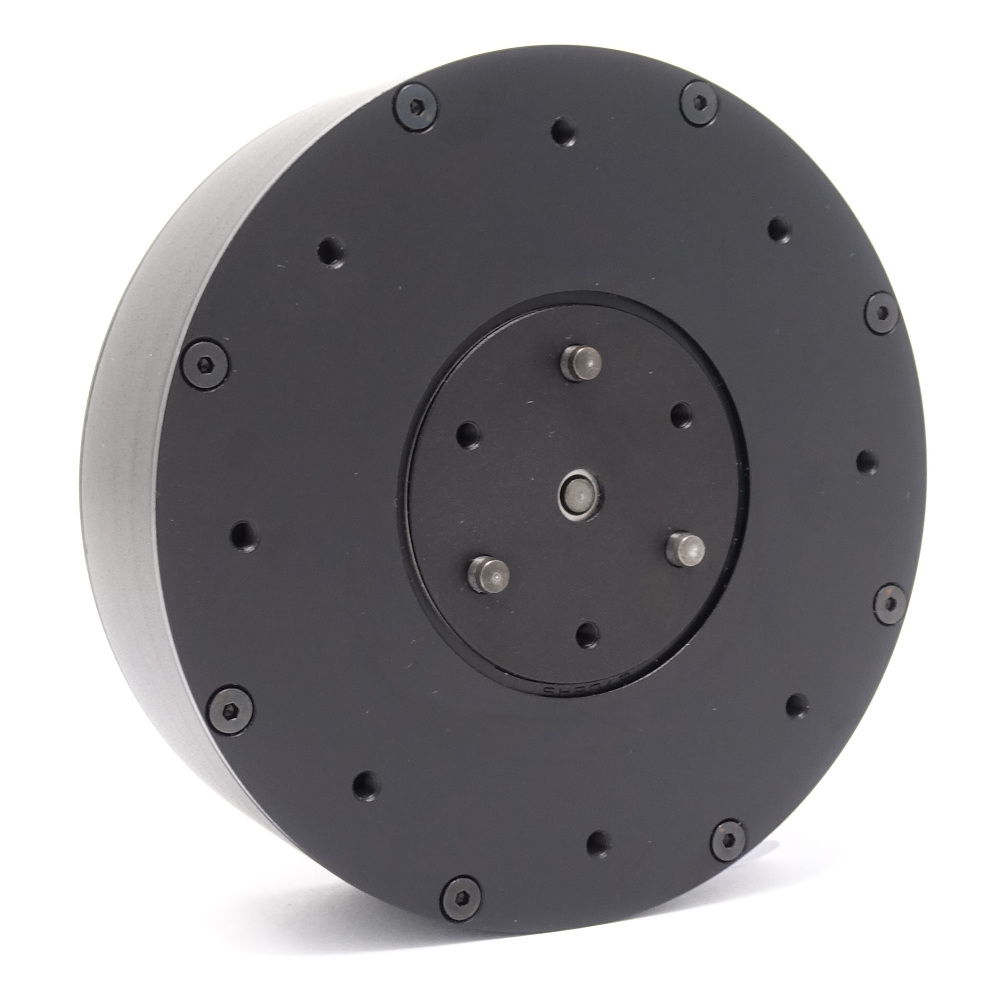
Welcome to the newest mjbots.com product, the mj5208:
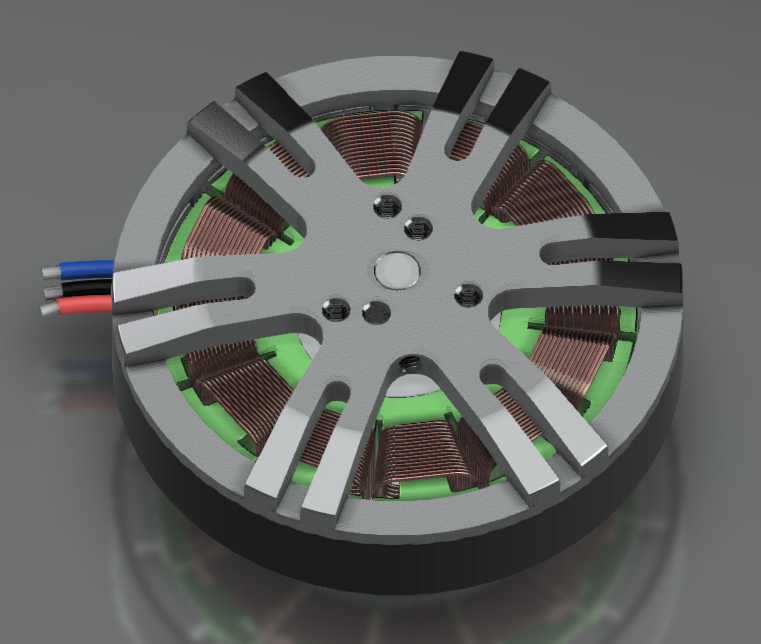
This is a high quality 5208 sized 330Kv wound brushless motor with short pigtails intended to connect to moteus controllers. All the moteus devkits as of last week are shipping using this motor instead of the previous “semi-random” motor.
Specifications:
There are two bolt patterns on the output, a 3x M3 17mm diameter one, and a 2x M3 pattern spaced at 12mm. The stator side has a 4x M3 pattern spaced at 25mm radially and a 3x M2.5 spaced at 32mm. The axle protrudes a few mm from the stator, making it easy to adhere the diametric magnets needed for moteus.
After receiving many requests via youtube, discord, and email, I’ve finally gone ahead, bitten the bullet, and updated all of the moteus tools to be pure python and work in a cross platform manner. Now, the only thing you need to do to install pre-compiled versions of tview and moteus tool on most* platforms is:
pip3 install moteus_gui
python3 -m moteus_gui.tview # (or maybe just tview)
python3 -m moteus.moteus_tool # (or maybe just moteus_tool)
I’ve personally tested these on Linux, Windows, and Raspberry Pi, and others have at least verified basic operation on Macs. Python 3.7 or greater is required.
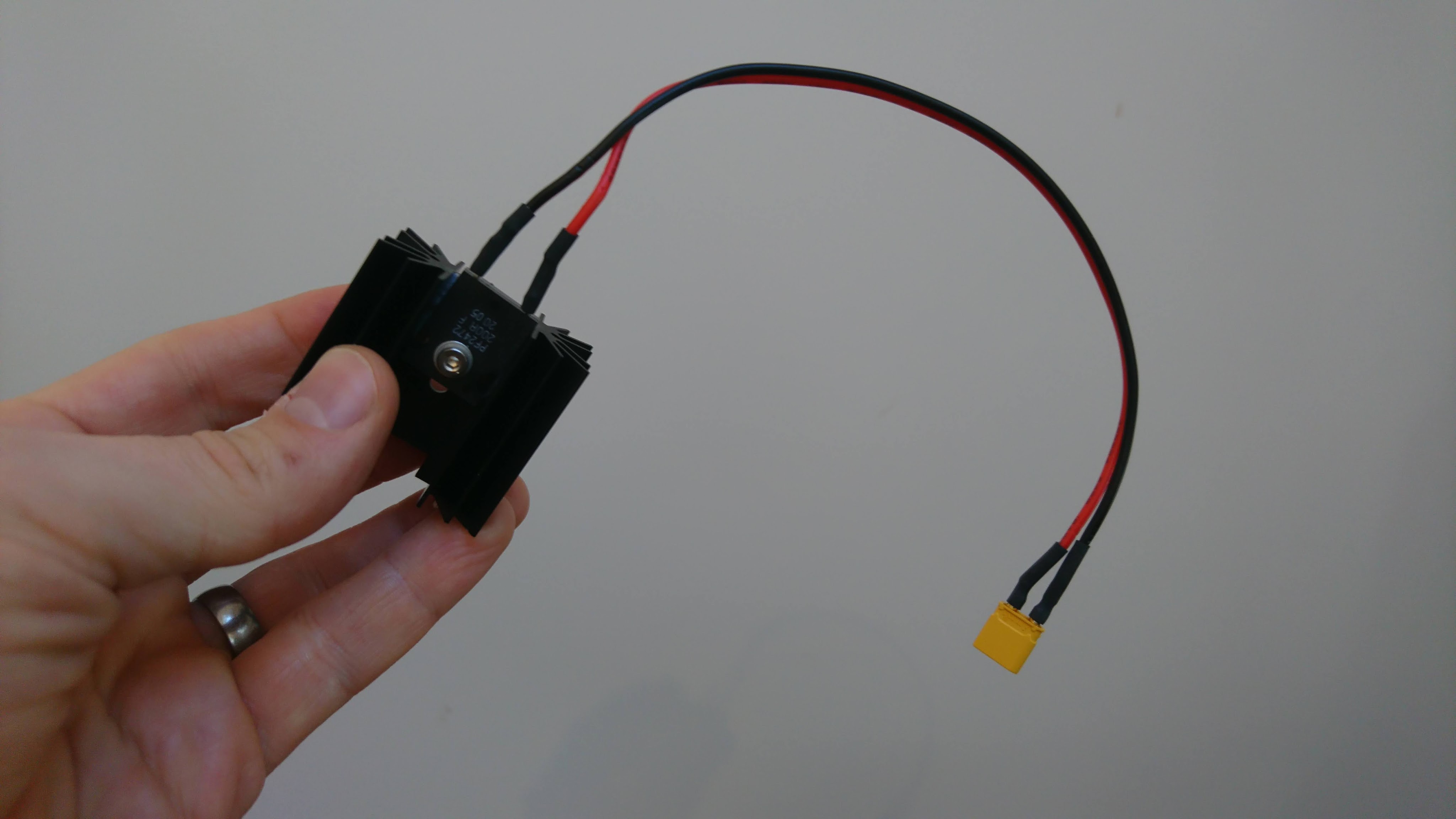
The moteus controller is capable of a lot of instantaneous power. However, to fully make use of that power, you’ll need to keep the mosfets cool on the board. moteus has two mechanisms for that:
In addition to the MOSFETs, the gate driver chip, the DRV8323 can produce large amounts of heat, especially when the controller is run at a higher voltage, like the 44V that the moteus r4.5 supports.
Various users have been trying to use lower-cost Raspberry Pi CAN-FD adapters for the moteus controller for some time (like this one from Seeed), but have had problems getting communication to work. I buckled down and went to debug the problem, discovering that the root of the issue was that the linux kernel socketcan subsystem calculates very sub-optimal CAN timings for the 5Mbps bitrate that moteus uses. This results in the adapters being unable to receive frames sent at the actual 5Mbps rate, but instead only slightly slower.
Over the Thanksgiving day holiday, I knew I had a bunch of harnesses to build. Rather than being a good corporate steward and actually building them, I instead built a machine to automate the first of the 3 time consuming parts of the harness construction: wire cutting and stripping.

This was just thrown together from two cosmetically damaged moteus devkits, a Raspberry Pi 3 an old development version of a pi3hat, a hand wire stripper, two synthetic rubber bands, an off the shelf 24V supply, and a bunch of 3d printed parts.
NOTE 2025-10-29: An updated version of this post can now be found in the official moteus documentation:
I’m excited to announce new python bindings for communicating with moteus controllers! A simple example from the README:
import asyncio
import math
import moteus
async def main():
c = moteus.Controller()
print(await c.set_position(position=math.nan, query=True))
await asyncio.sleep(1.0)
asyncio.run(main())
This code will try to locate an fdcanusb on your host and use it to communicate with controller with ID 1. All of those details can be customized through code depending upon how you construct things. The library is pure python, although it doesn’t work on Windows currently because it relies on an asyncio aware pyserial wrapper that doesn’t work there.
In the spirit of “most of your users are yet to come”, I’ve gone through a moderate re-organization of some of the mjbots github repositories to make them more usable and sensible.
The biggest change is that mjbots/moteus has had a history rewrite and a directory structure re-organization. The current development (and default branch) is now “main”. The biggest changes:
moteus/” to “fw/”moteus_tool and tview have moved to the “utils/” directorylib/” directory which houses client side librariesSecond, mjbots/power_dist is a new public repository that houses the power_dist board firmware and software.
I’ve muddled along for a long time soldering with a little Weller WES50. I’ve done a lot of work with it, but given how many SMD boards I’m doing with big ground planes and tiny components, I needed something a bit more capable. Enter the Pace ADS200 from tequipment:

Made in the USA, with 120W of power and a wide range of tip selection it has been an incredible upgrade. All those soldering jobs which were painful before are so much easier, and I don’t even have all the tips I wanted for different jobs yet. I also have the MiniTweez, but don’t yet have the tips that will let me show that off. I’ll try to post some soldering videos in the not too distant future.
When I first acquired my Pocket NC v2-50, I was planning on using it for rapid prototyping of small aluminum parts. I figured with 5 axes, I could do many things with a single setup just clamping from the bottom. However, I was initially thwarted in that plan and had to resort to more creative workholding solutions due to two problems.
First was the vice that came with the Pocket NC. It is serviceable, but provides very little clamping force if you want to hold something that is tall and skinny. For now, while it isn’t ideal, I’m making good progress with the wcubed vise.